Constructionism and the Maker Movement

According to Papert (1986), constructionism focuses on ‘learning by doing’ through reconstruction of knowledge received, rather than transmission. This pedagogical approach occurs in the classroom when students have the opportunity to explore manipulative resources during a hands on activity, through this meaningful learning can occur (Bower & Boyd, 2020). Extending on this concept of manipulating materials, makerspace are recognised as a space for this to occur (Peppler & Bender, 2013). Furthermore, these spaces allow for a place where individuals can merge digital and physical technologies to engage in learning and create a meaningful construction.

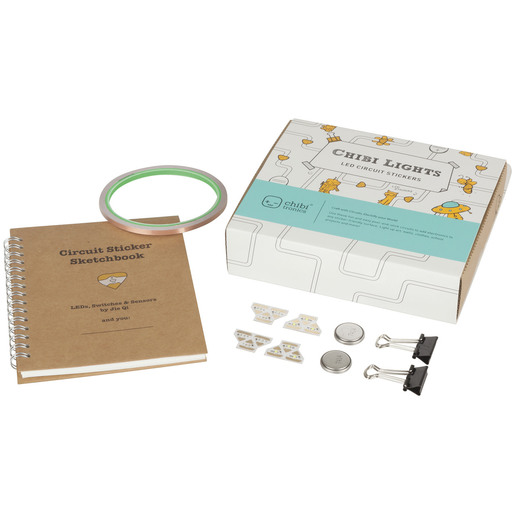
Tools explored in this weeks tutorial, that interlink both the concepts of constructionism and the maker movement, include, Chibitronics, 3D Printing and Micro-bit.

Chibitronics

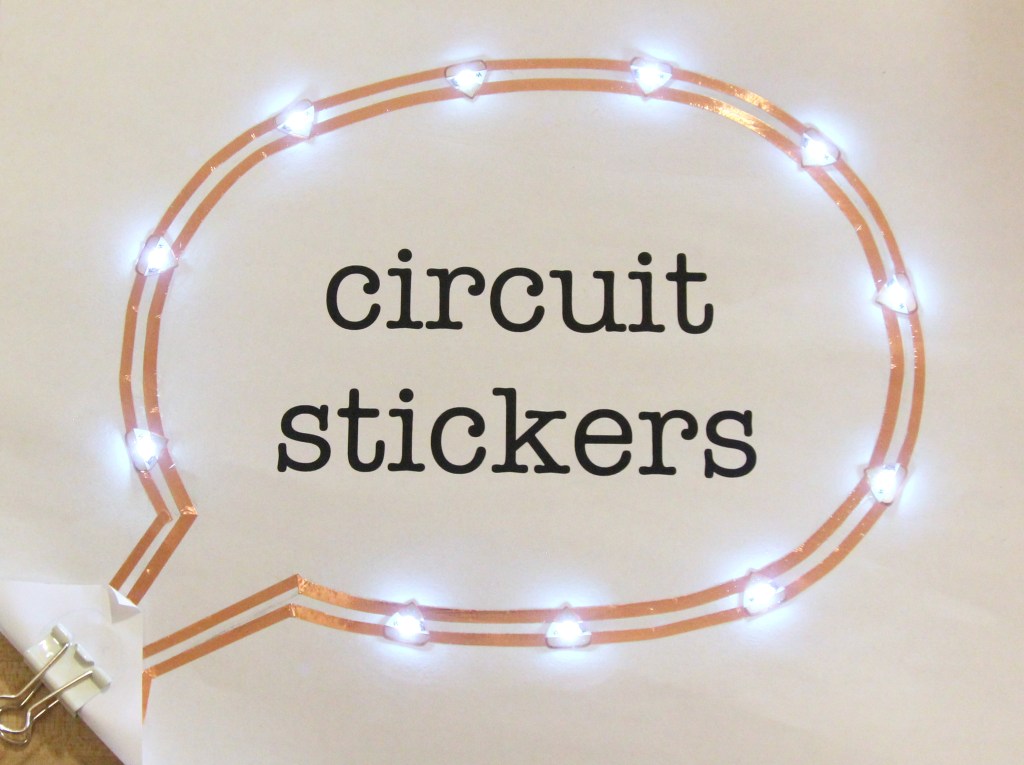
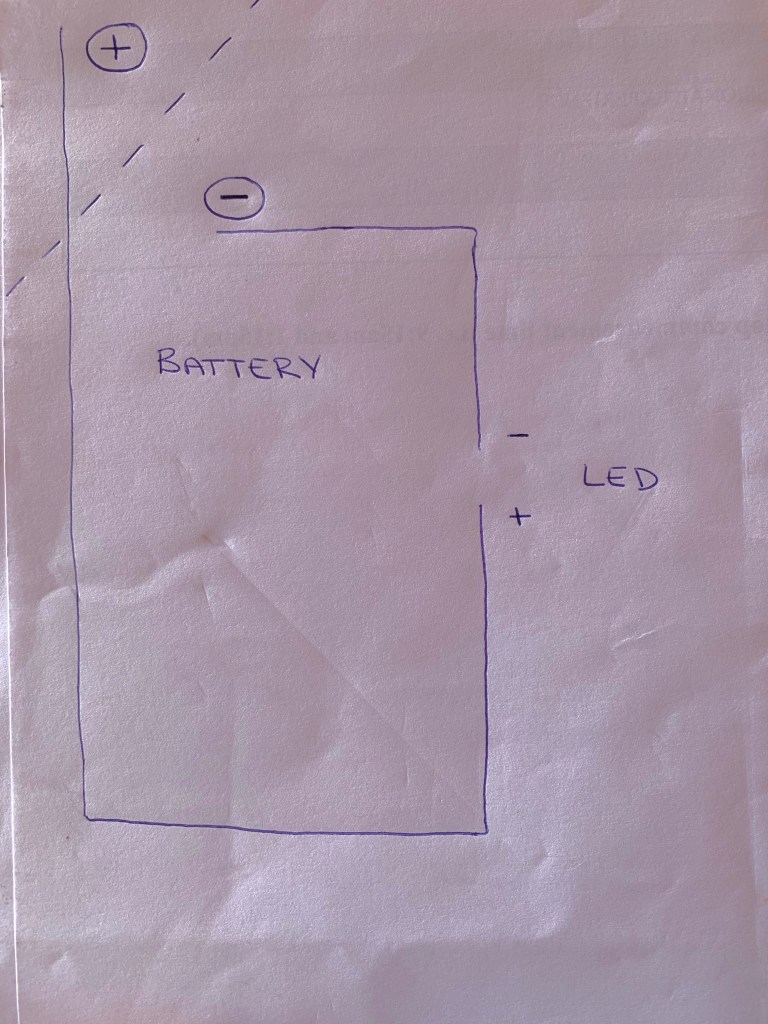
What is it is a resource which involves children using LED lights, paper and items in the classroom to design an electricity circuit.

Advantages and Disadvantages This tool encourages creative thought from students, in the design process of their product and items they choose to use. Additionally it is a very rewarding and engaging activity for students. However, due to the pieces being small in the Chibi Kit, I believe parts will go missing regularly. Overall, great concept, which is more appropriate for younger years.

Classroom Implications Chibi lights can be utilised across all STEM subject areas, or also used in art and craft, through successfully incorporating the lights into an artwork.
3D Printing

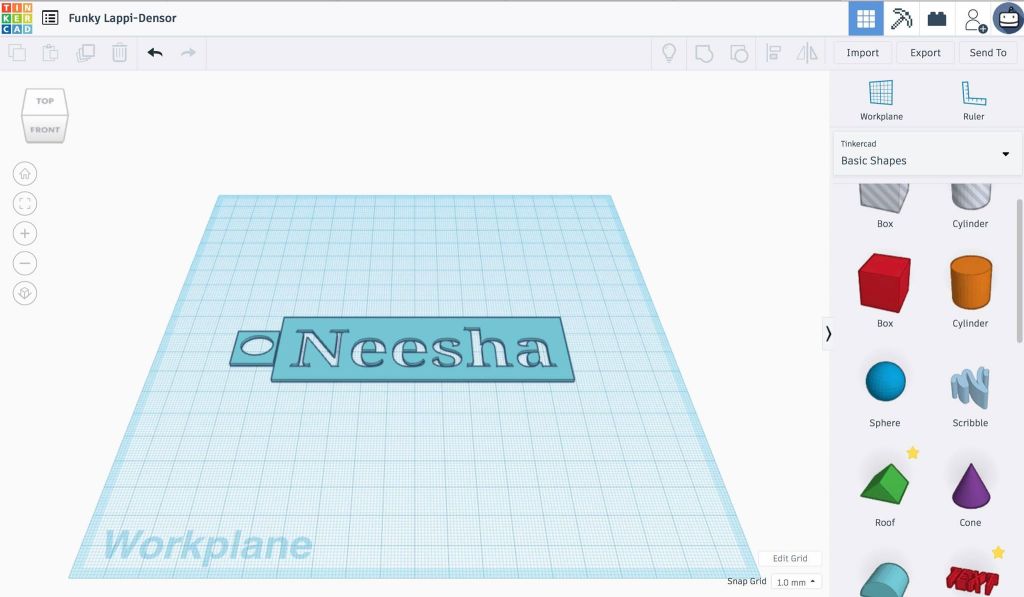
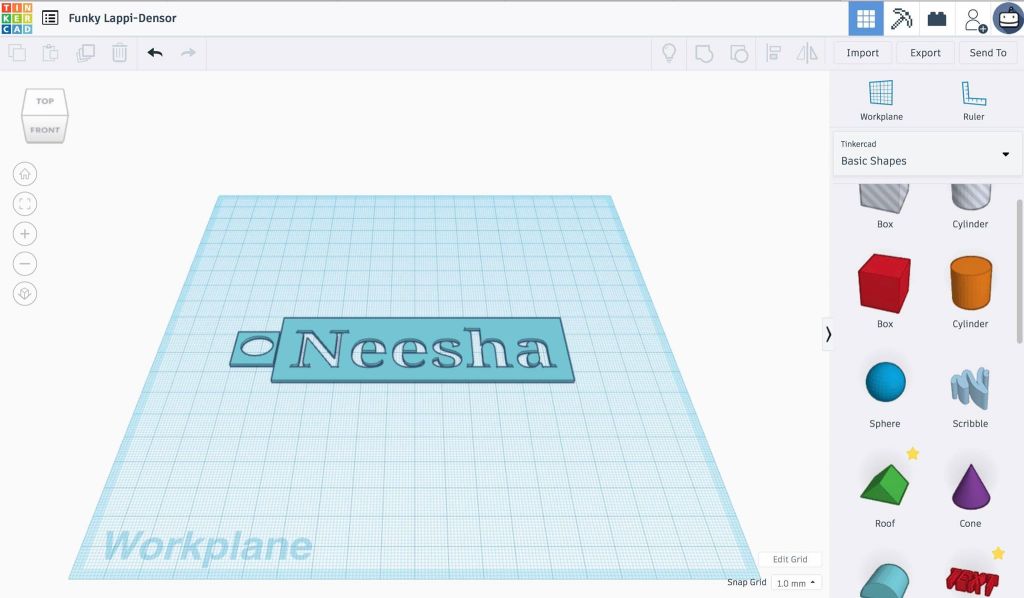
3D printing provides an opportunity for students to utilise makerspaces and construct a design through creative thought and planning. This can be achieved through the website – Tinkercad and also implemented across any stage and any key learning subject areas. Further exploration of Tinkercad and 3D printing can be found in a previous blog.
MicroBit

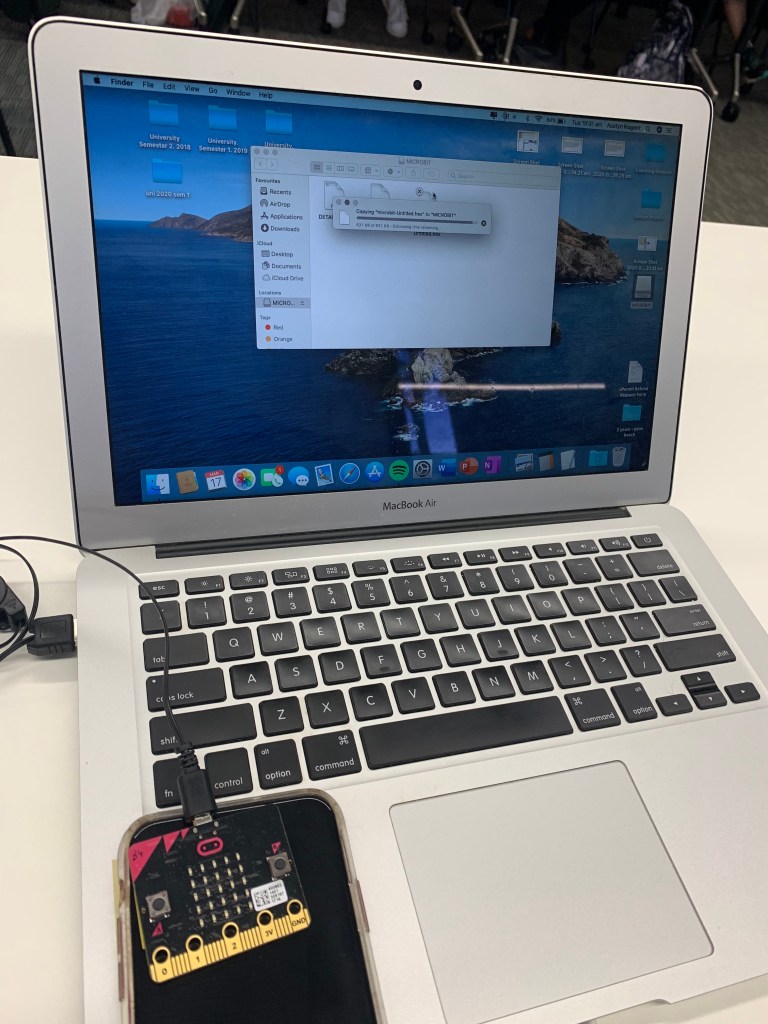
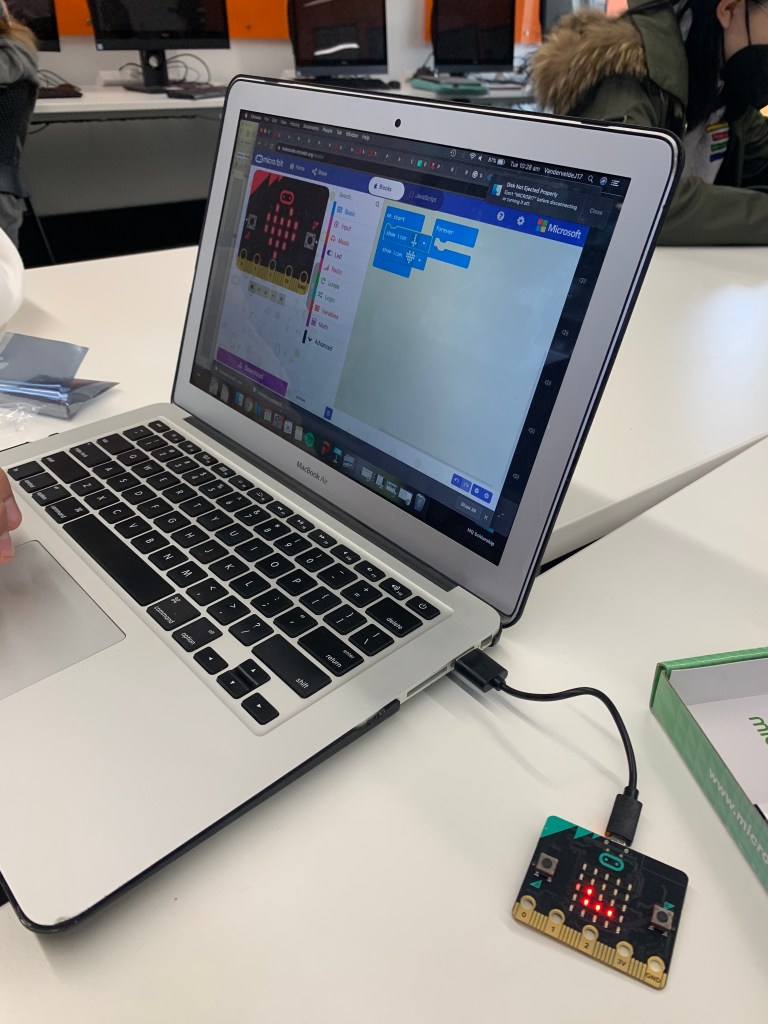
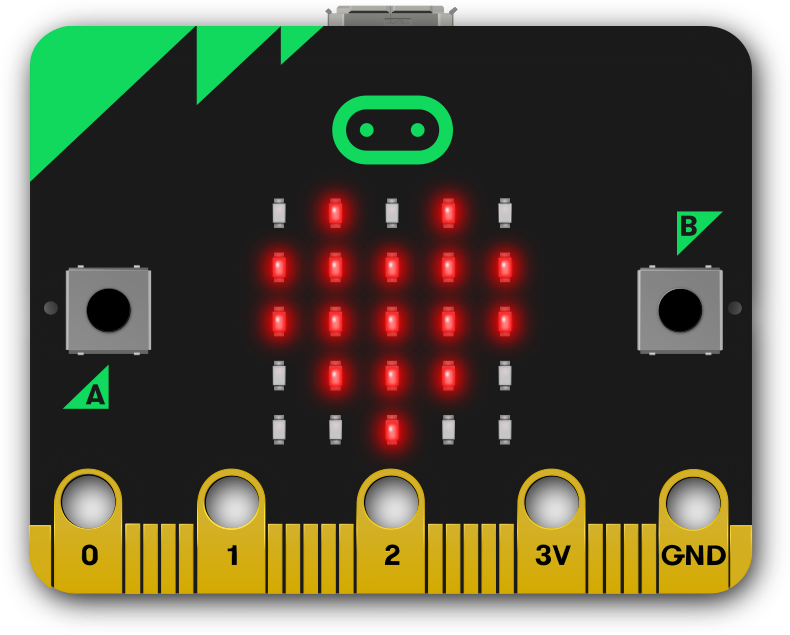
MicroBits foster creativity and computational thinking through coding. The construction of a design through the programming interface is then able to be downloaded on to the physical micro-bit, for a rewarding display of the specific tasks it was designed to show. More on Microbits can be found in a previous blog on my page.

Own Microbit design

Reference List:

Bower, M., & Boyd, S. (2020). Constructionism and the Maker Movement. Retrieved from https://ilearn.mq.edu.au/course/view.php?id=38549

Papert, S. (1986). Constructionism. [Massachusetts]: Massachusetts Institute of Technology, Media Laboratory, Epistemology and Learning Group.

Peppler, K., & Bender, S. (2013). Maker Movement Spreads Innovation One Project at a Time. Phi Delta Kappan95(3), 22-27. doi: 10.1177/003172171309500306

Games and Learning

Image retrieved from: https://mpng.subpng.com/20180425/ucw/kisspng-scratch-logo-computer-programming-computer-softwar-5ae0b4840769c2.6633001815246757160304.jpg

Scratch

Games based learning provides students with an opportunity to meet learning outcomes through the use of activities that incorporate game play characteristics and principles. Whereas gameification involves game like elements into orthodox learning activities (Park, 2018). According to Gee (2015), well developed games are those that incorporate the following: feedback, perseverance, accessibility, reward and challenge, whilst also being fun and aesthetically pleasing.

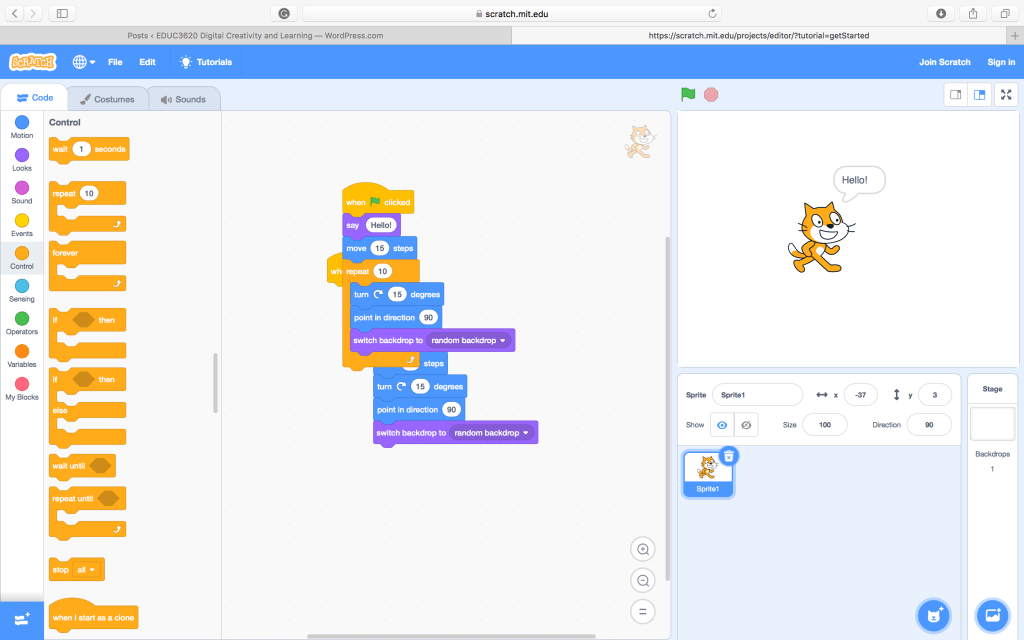
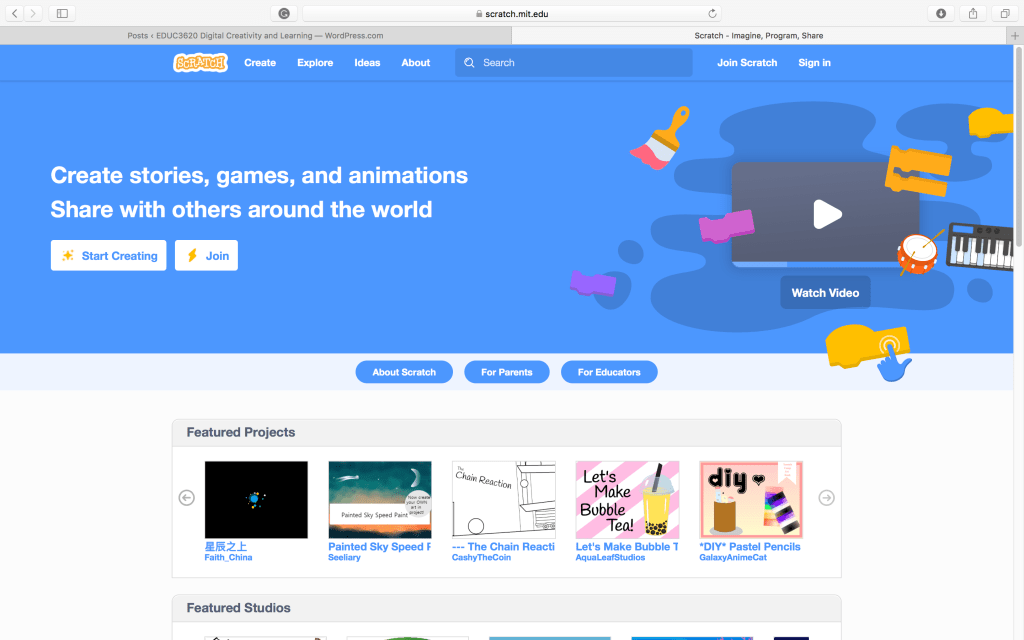
What is it? Scratch is a visual programming tool which uses block based language and coding to develop interactive animations and games, it is specifically targeted at primary students. Scratch encourages creativity through the few limitations it has and the vast range of possibilities it encompasses for design. Also, through the use of coding, students are frequently encouraged to develop their problem solving skills (Squire, 2006).

Advantages and Disadvantages Scratch is an engaging tool that is more commonly being used in schools, it allows students to create multimedia products through the use of basic coding and programming skills, once created, students can also share or publish their products. Even though the coding seems basic, for those who haven’t had much experience with it, like myself, may struggle to understand how the program operates. However, after a quick tutorial students will be underway and able to uncover key features as they go. As mentioned above, the program requires students to use problem solving skills, which allows for development of computational thinking.

Classroom Implications For various projects, Scratch can be used to create a game for a topic or concept and in turn foster creativity, as students would need to utilise their imagination for their compositions. Scratch could also prove beneficial and engaging in an English lesson, for students to demonstrate aspects of their creative writing in a projects, or outline a story board. Also, Science in younger years, to create an animation to demonstrate a life cycle of plants growing, or perhaps in the maths classroom to create a game that contains mathematical elements, such as, a maze for other students to work their way through.

References:

Park, M., 2018. Gamification through minecraft. In: M. Park, ed., Gamification and Games-Based Learning, chapt. 17 [online] Ontario University of Technology. Available at: <https://techandcurriculum.pressbooks.com/chapter/minecraft/&gt; [Accessed 4 May 2020].

Virtual Reality in Education

Retrieved from: https://specials-images.forbesimg.com/imageserve/5d3144097ed2c70009a2c3a1/960×0.jpg?cropX1=916&cropX2=4248&cropY1=304&cropY2=2180

CoSpaces

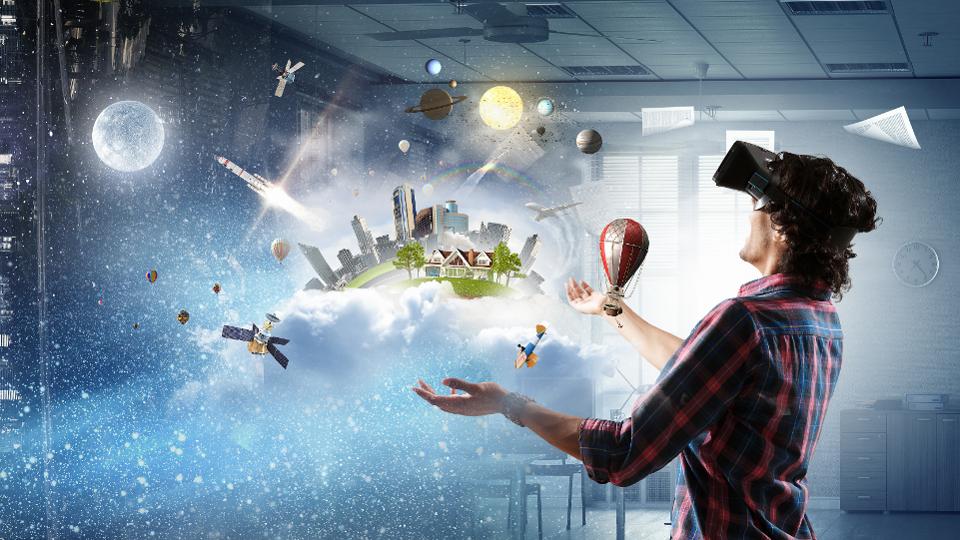
Virtual reality is a technology that displays a virtual environment in a computer produced setting, in which users can interact through an interface that reflects with the users real time actions and movements (Tussyadiah et al., 2018). Through this experience users are able to gain a sense of pysically being in the virtual environment (Southgate et al., 2019). There are three main types of virtual reality (VR), fully-immersive, semi-immersive and non-immersive, which range from using external devices, such as a head-set, to just playing a video game (Poetker, 2019).

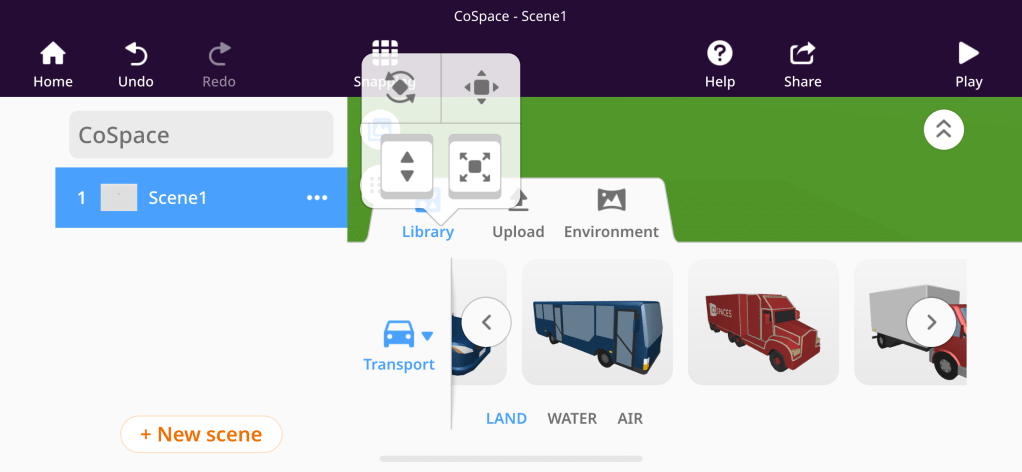
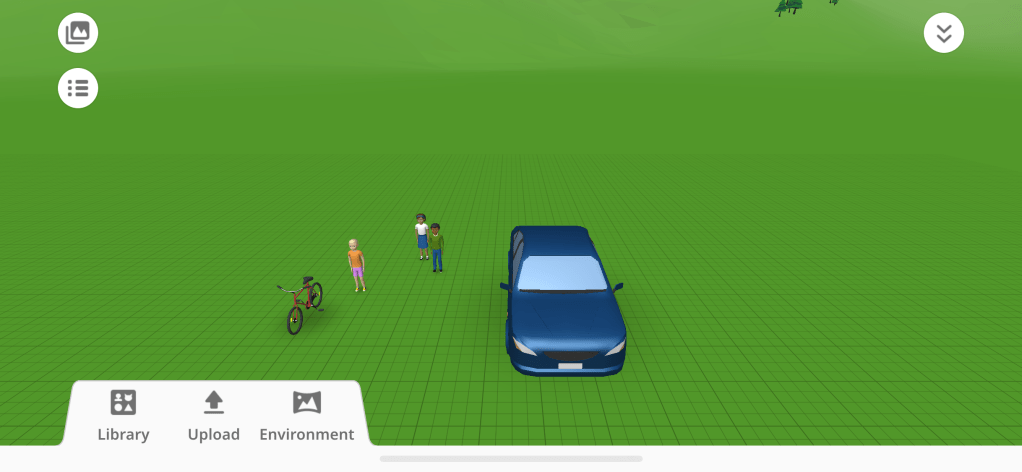
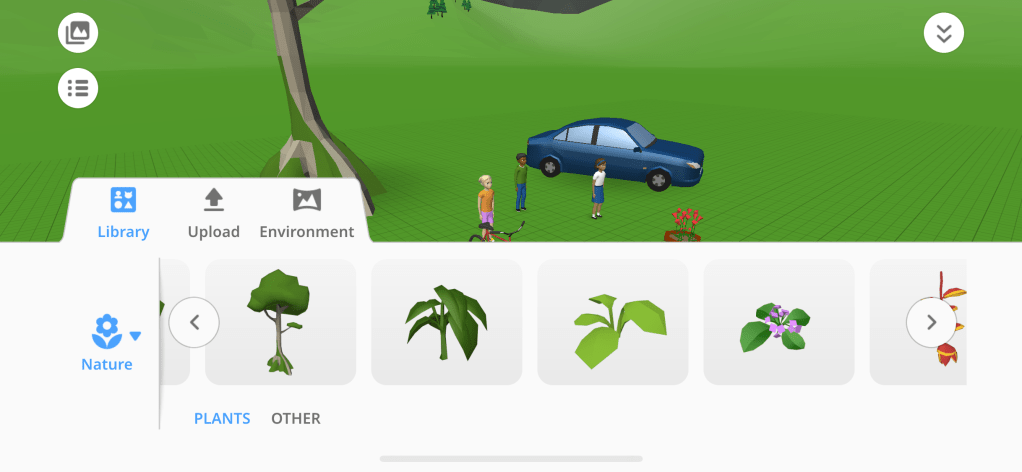
What is it? CoSpaces is a free interactive app/website, which can operate as both fully immersive and non immersive. The program allows for users to create their own VR creations, through simple coding and 3D animations. In comparision to other VR programs such as minecraft or google street veiw, CoSpaces seems more beniefical for use in the education setting, as it was moreso designed for this purpose and has a wide variety of tools and recources for students to create meaningful content.

Advantages and Disadvantages This program is a great resource to use in the classroom as it allows teachers to create VR environments, which students can observe or add to through the use of inputting a code, or student can be encouraged to create their own content. An advantage of CoSpaces is that is can be explored in a variety of different subjects, and the program also provides a simple and fun introduction to coding. This is done in a very straight forward and easy to navigate manner, there are also many resources and tutorials avaliable for further instruction. There are very few limitations that this program has, however, one could be that in order to use CoSpaces to its highest potential, the use of external devices may be required, such as headsets, which would prove to be a costly experience.

Classroom Implications As mentioned above, CoSpaces is very versatile and can be implemented into many different subject areas, for a variety of different reasons, for instance, creating projects, exploring subject content, etc. It could be utilised in just about all subject areas, from English, in bringing storyboards or creative writing to the virtual world, or Science, through creating a virtual display of the solar system. Overall, the possibilities are endless, all of which provide the opportunity for students to engage in autonomous learning at their own pace, or constructive learning through group work, where students can provide guidence for one another, rather than instruction from the teacher (Bower & Sturman, 2015).

References:

Bower, M. & Sturman, D. (2015). What are the educational affordances of wearable technologies?. Computers and Education, 88, 343-353.

Poetker, B. (2019). What Is Virtual Reality? (+3 Types of VR Experiences). Retrieved 3 May 2020, from https://learn.g2.com/virtual-reality

Tussyadiah, I.P., Wang, D., Jung, T.H. & Dieck, M. C. (2018). Virtual reality, presence, and attitude change: Empirical evidence from Tourism. Tourism Management, 66, 140-154

Southgate, E., Smith, S. P., Cividino, C., Saxby, S., Kilham, J., Eather, G., … & Bergin, C. (2019). Embedding immersive virtual reality in classrooms: Ethical, organisational and educational lessons in bridging research and practice. International journal of child-computer interaction19, 19-29.

Augmented Reality in Education

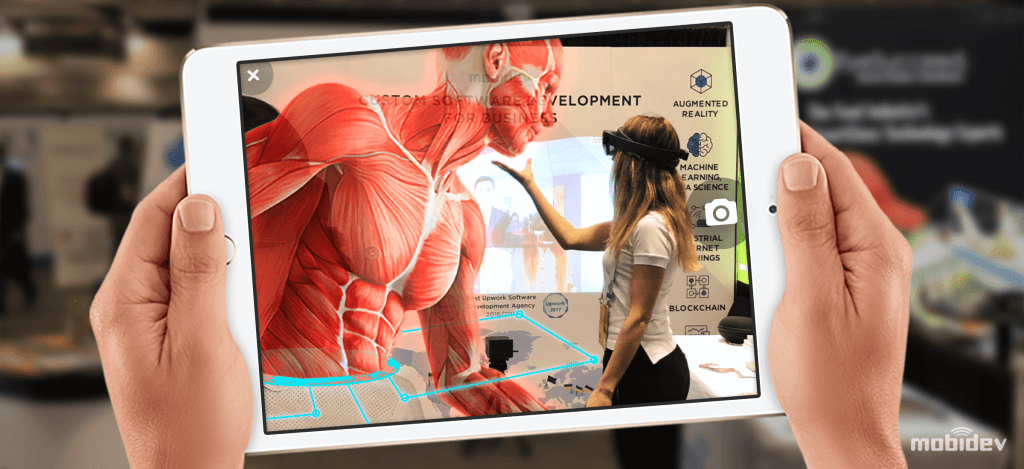
Retrieved from: https://mobidev.biz/wp-content/uploads/2020/01/augmented-reality-future-trends.png

Anatomy 4D

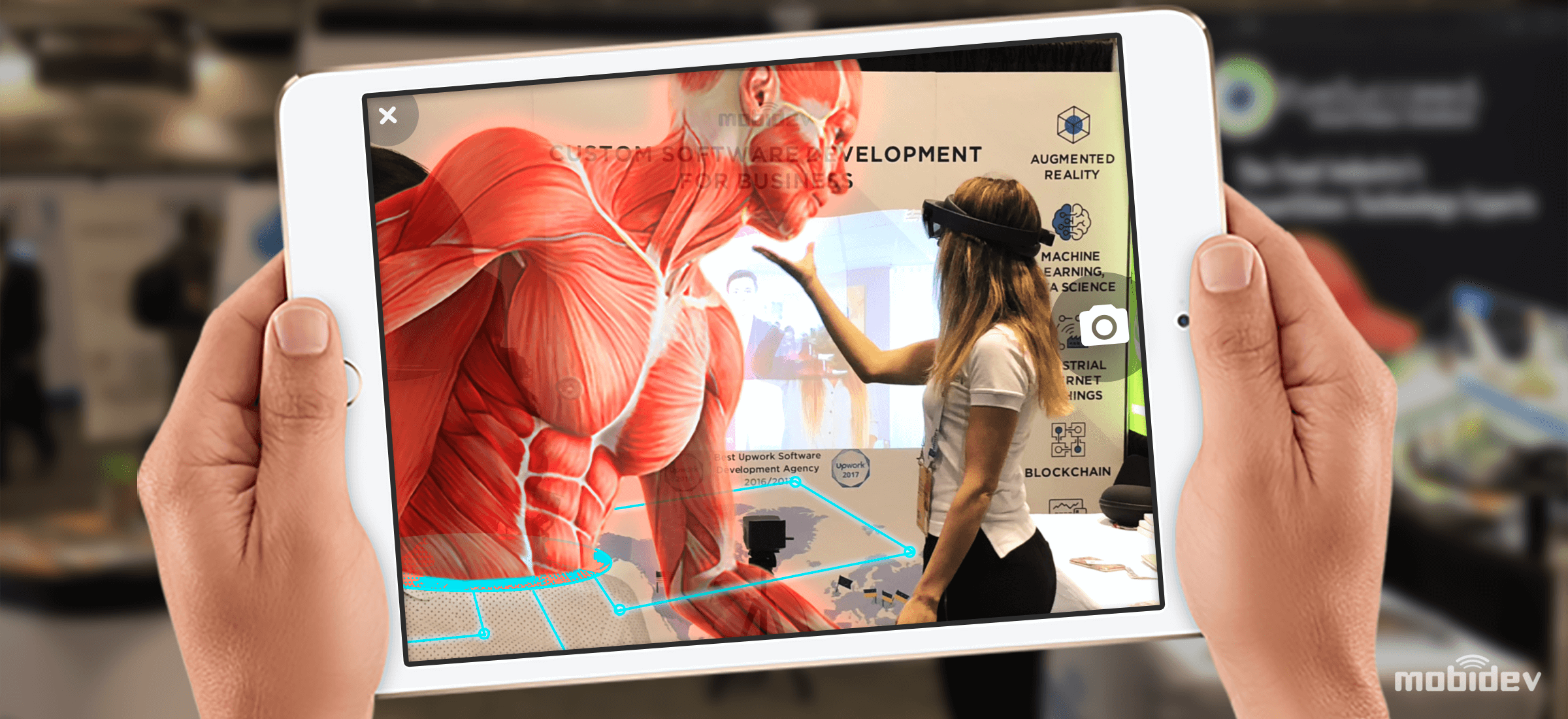
Augmented reality (AR) creates an experience which involves both the real and digital world. This occurs with the overlay of technology, displaying temporary modifications without actually making any changes. This coexistence of virtual objects in our regualar environment, offers endless engaging learning opportunities (Azuma, 1997). To further explore AR, I investigated various apps, specifically ‘Anatomy 4D’.

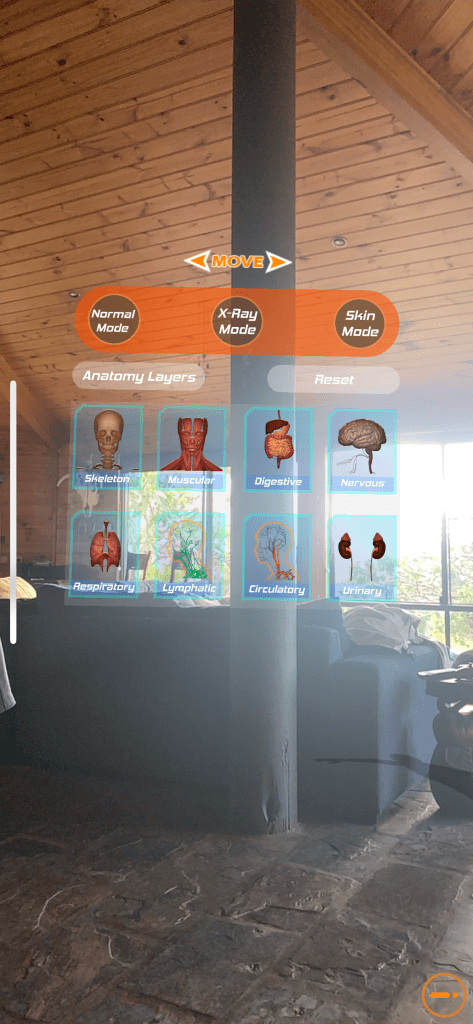
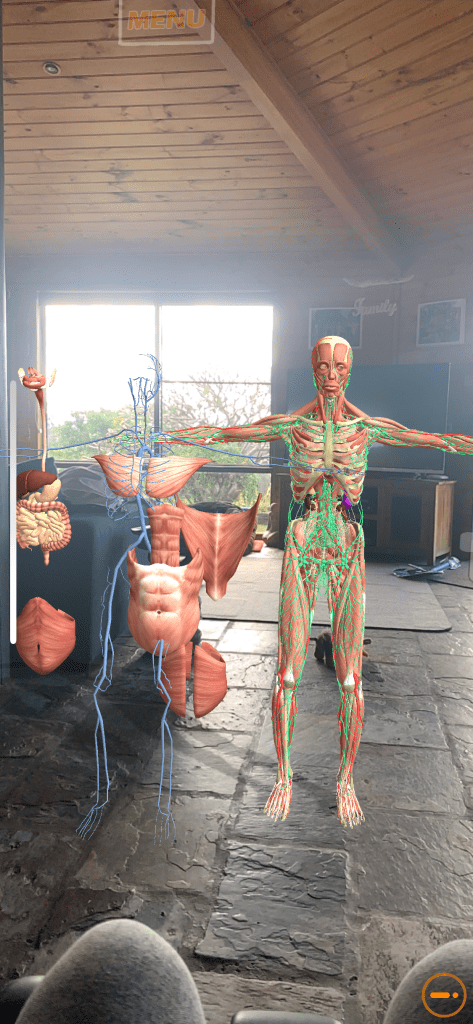
What is it? Anatomy 4D is a free app which uses AR to allow students to interact and visually learn more about the human body. Through a camera display, a the human body in projected in front of the user, which can be rotated, resized, etc. The following apps were also explored this week, which most of which follow a similar approach:

  • SkyView
  • Zapper
  • Space Race
  • Quiver Education
  • Word Lens
  • Qlone
  • Spacecraft 3D
  • Virtual Tee

Advantages and Disadvantages As mentioned, the Anatomy app is free to download and use, making it easily accessible for everyone. It provides a great visual experience for students to gain a deeper understanding of the human body and allows users to examine different anatomy layers at a time, such as specifically looking at the nervous system, or muscular etc. However, through my experience with the app, I encountered some glitches and technical issues, such as its tendency to shut down and exit, which would prove problematic in a classroom setting if it occurred frequently. Although taking this into consideration, I still viewed it as a great stand-alone resource, best suited for stage three students and potentially in need of a software update.

Classroom Implications This app would provide engaging learning experiences in PDHPE and biology lessons. However, AR can be implemented in all key learning areas as there is a wide variety of tools and programs avaliable, which cover most educational topics, some examples are in the list above. The use of AR in the classroom can also effectively support the following pedagogies: games-based learning, inquiry-based learning, situated learning, constructivist, connectivist, behaviourist and authentic and contextualised learning (Bower, 2014). This app specifically links to constructivist theory, as it allows users to engage with the content they are studying on a deeper level and also encourages effective group work experiences, where students can gain knowledge from one another.

References:

Azuma, R. (1997). A survey of augmented reality. Presence. 6(4), 355-385.

Bower, M., Howe, C., McCredie, N., Robinson, A. & Grover, D. (2014). Augmented reality in education – cases, places and potentials. Educational Media International, 51:1, 1-15.

Robotics and Computational Thinking

BeeBots

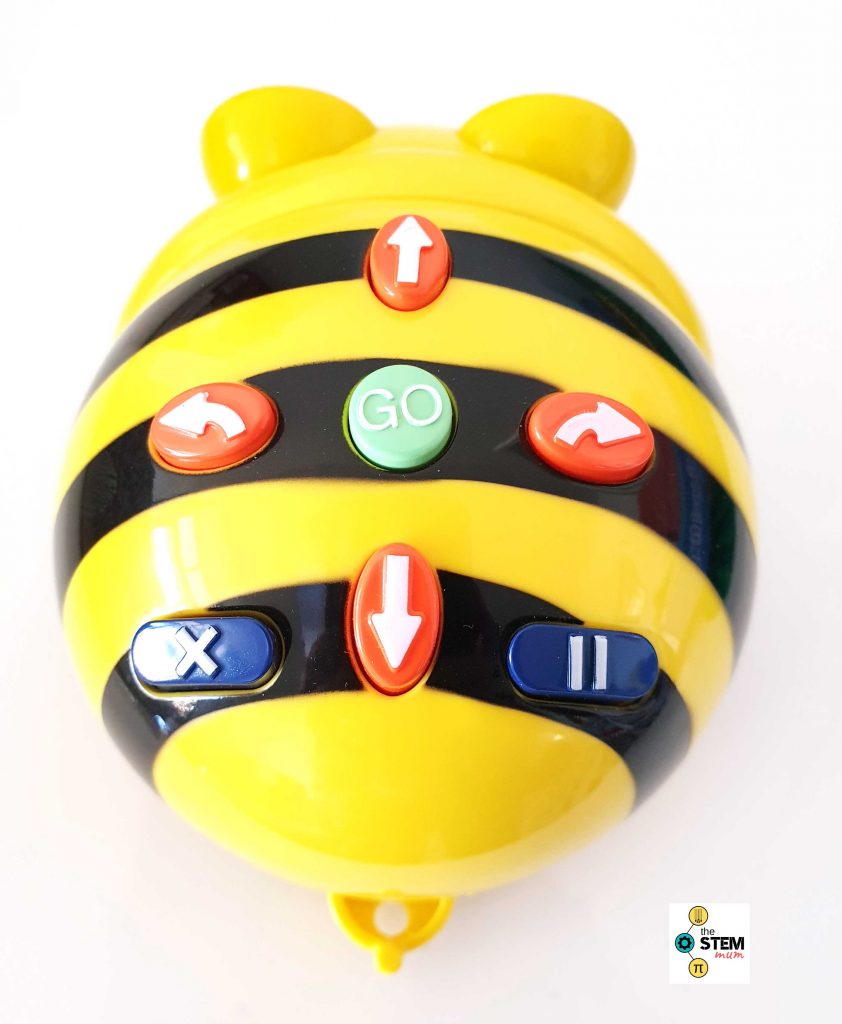
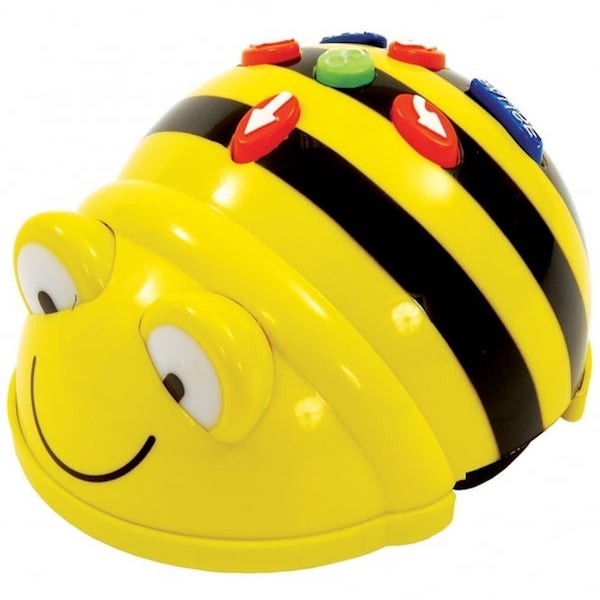
According to Jung and Won (2018), robotics involves a piece of machinery that can be programmed to assist in completing tasks. Therefore robotics in education can provide experiences for students to further understanding of technology and mechanical system by problem solving through the use of coding and computational thinking. These experiences can been further explored with the inclusion of the BeeBot.

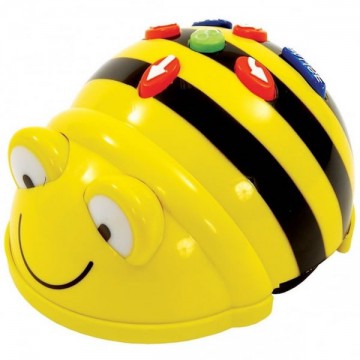
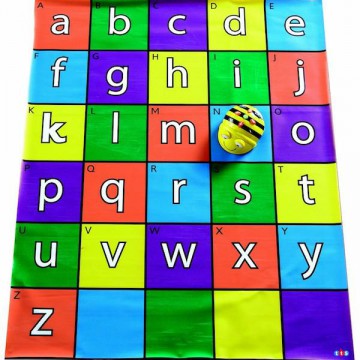
What is it? The BeeBot is a robot that can be programmed to move in various directions, following a precreated sequence. It is also designed to connects to different devices, such as ipads, to also program. The robot is specifically designed for early childhood/early primary students, it is an engaging resource in the form of a friendly bumblebee.

Advantages and Disadvantages The BeeBot is a great teaching resource to develop computational thinking in younger students. It offers a hands on experience for students to begin to understand coding. Although, it in limited in the sense that the robot is very simplistic, its movements involve going forwards, backwards and turning left or right. Thus making it unrealistic for older students to engage with, while other products such as Dassh and Dot and Cubletets which also explore coding but with more programmable features. Also, unlike Dash and Dot this robot is unable to recieve inputs from multiple sources, limiting its use for group work activities. However, despite its limitations the Beebot is a cost effective option to introduce into the classroom, that offers opportunities for students to explore coding whilst developing their computational thinking skills.

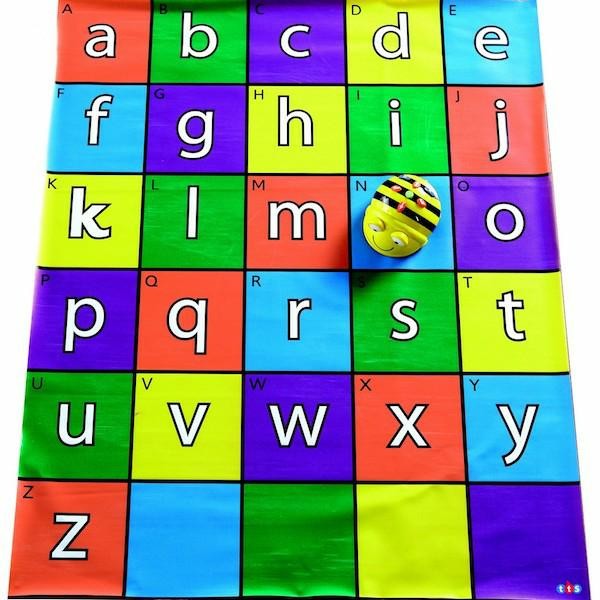
Classroom Implications The BeeBot, like most robotic tools, offers many levels andapproaches that can create interactive learning experiences across various KLA subjects (Alimisis, 2012). It is particularly explored in technology for early coding, alothough it can also be used in other areas, such as mathematics with the incorporation of a shape map to explore shapes and patterns.

References:

Alimisis, Dimitris (2012). Robotics in Education & Education in Robotics: Shifting Focus from Technology to Pedagogy. Robotics in Education Conference, 2012.
Available at: https://pdfs.semanticscholar.org/be99/1d6cface636a180fa394ee621c2bb09df1e7.pdf

Jung, S. E. & Won, E. (2018). Systematic Review of Research Trends in Robotics Education for Young Children. Sustainability. 10(4), 905

Computational Thinking

Retrieved from: https://www.robot-advance.com/EN/ori-micro-bit-2622.png

Micro:Bit

Computational thinking refers to the problem solving process involved in transfering a design into a computer. Wing (2006), refers to it as the ability to design and problem solve which then enables an understaning of human behaviour and design systems through computer schience techniques. In the 21st century, computational thinking is recognised as a fundamental skill to posses. It is therefore being noticed as having a growing importance to be included in the school curriclum (Bower et al., 2017).

What is it? Micro:Bit is an introductory program to coding, referred to as a “pocket-sized computer” (BBC, 2020). It was developed to extend student learning of programming and computational thinking in schools (BBC, 2020). Through the application of coding, the microbit website allows you to create a variety of displays which can then be downloaded to the Micro:Bit. In comparison to the website Blockly, another coding program, the Micro:Bit is far more rewarding and engaging. It is futher advanced and also a tangible object for students to view their designs on.

Advantages and Disadvantages. The Micro:Bit website has a simple layout which allows for creating and understanding coding to be an easy process. The website has a variety of options and tools, including a beginner option using block coding (Scratch) and anexperienced options which involves text based coding (Python, Microsoft MakeCode). The Micro:Bit is also afforable in price, so overall a great technology, however it is limited in the sense that it is slightly more targeted for older children. Even using the beginner mode, younger students would not be able to fully explore the programs full potential.

Micro:Bit and Computational Thinking. The Micro:Bit closely interlinks with Computational Thinking. As computational thinking aims to encourage the development of strategies, critical problem solving skills, the micro:bit is a resource that can foster these aspects. This tool allows students to create limitless designs with endless possiblities, this closely complements the elements of computational thinking, which is only limitied by human imagination (Wing, 2006).

Classroom Implications. In using the micro:bit in the classroom to foster computational thinking skills, there are many approaches or lesson plans to implement. It is an engaging, hands on experience that can be used develop students coding skills in technology and computer sciences or even in mathematics to explore problem solving and chance with making a dice design on the micro:bit.

Photo taken in class, week4

Reference List:

BBC. (2020). Retrieved 5 April 2020, from https://microbit.org/get-started/home-learning/

Wing, J. M. (2006). Computational thinking. Communications of the ACM, 49(3), 33-35.

Designed Based Thinking and Learning

Retrieved from: https://www.rpspace3d.com/wp-content/uploads/2019/05/TinkerCAD.jpg

TinkerCad

Design based thinking is a user focused approach, which involves the mental process of problem solving how to achieve a desired design (Dunne & Martin 2003). It is a interactive and structured approach that is suggested to be achieved by the following steps: identify challenges, gather information, create potential solutions, refine ideas and test solutions (Design Thinking in Education, 2020). Design thinking important to integrate into the classroom as it allows students to take control of their own learning. With the vast variety of emerging technologies present in the classroom, teachers are increasingly able to provide opportunities which foster this approach. One technology that encourages students to develop these skills and create meaningful solutions is TinkerCad.

What is it? TinkerCad is a program that allows students to freely make designs which can then be transferred to tangible three-dimensional objects, through the use of a 3D printer. The program has few limitations as it offers numerous options for creating, from build your own design, to pre-made templates and a combination of the two. 

Advantages and Disadvantages. TinkerCad is a great program for allowing students to create many designs, transferring them from a mental thought to a 3D creation. However, TinkerCad is limited in the sense that it is complex and confusing for first time users and due to this it may be more so beneficial for high school students, rather than primary. I personally tried the program and found that after familiarising myself with the layout and watching some tutorials, its was easier to navigate and create a design. Overall this program is a great resource as it encourages creative and is flexible in the sense that it can be used across multiple KLAs.

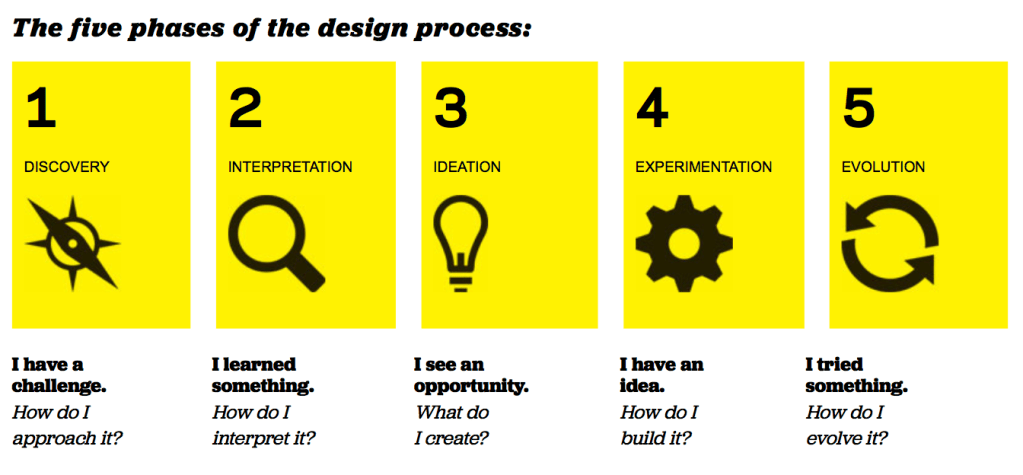
TinkerCad and Design Based Thinking. Through the flexibility of TinkerCad, students are able to successfully analyse problems and uncover appropriate solutions. The program assists students to transfer their mental ideas into a template, then finally into a 3D creation. This is achieved by students working through the 5 phases of design: discovery, interpretation, ideation, experimentation and evolution (Design Thinking in Education, 2020).

Classroom Implications. TinkerCad isn’t limited and can be used across various KLA areas. It can be used in various ways to foster design thinking, through the 5 phases of design and also creatives. There are endless opportunities to implement this process, through TinkerCad in the classroom, some include: history – creating models of historical architectures, maths – exploring 3D shapes and many more.

References:

Design Thinking in Education. (2020). Retrieved April 3rd 2020, from https://tll.gse.harvard.edu/design-thinking

Dunne, D. & Martin, R. (2006). Design thinking and how it will change management education: An interview and discussion. Academy of Management Learning & Education, 5(4)

Technology Critique

3D Pen

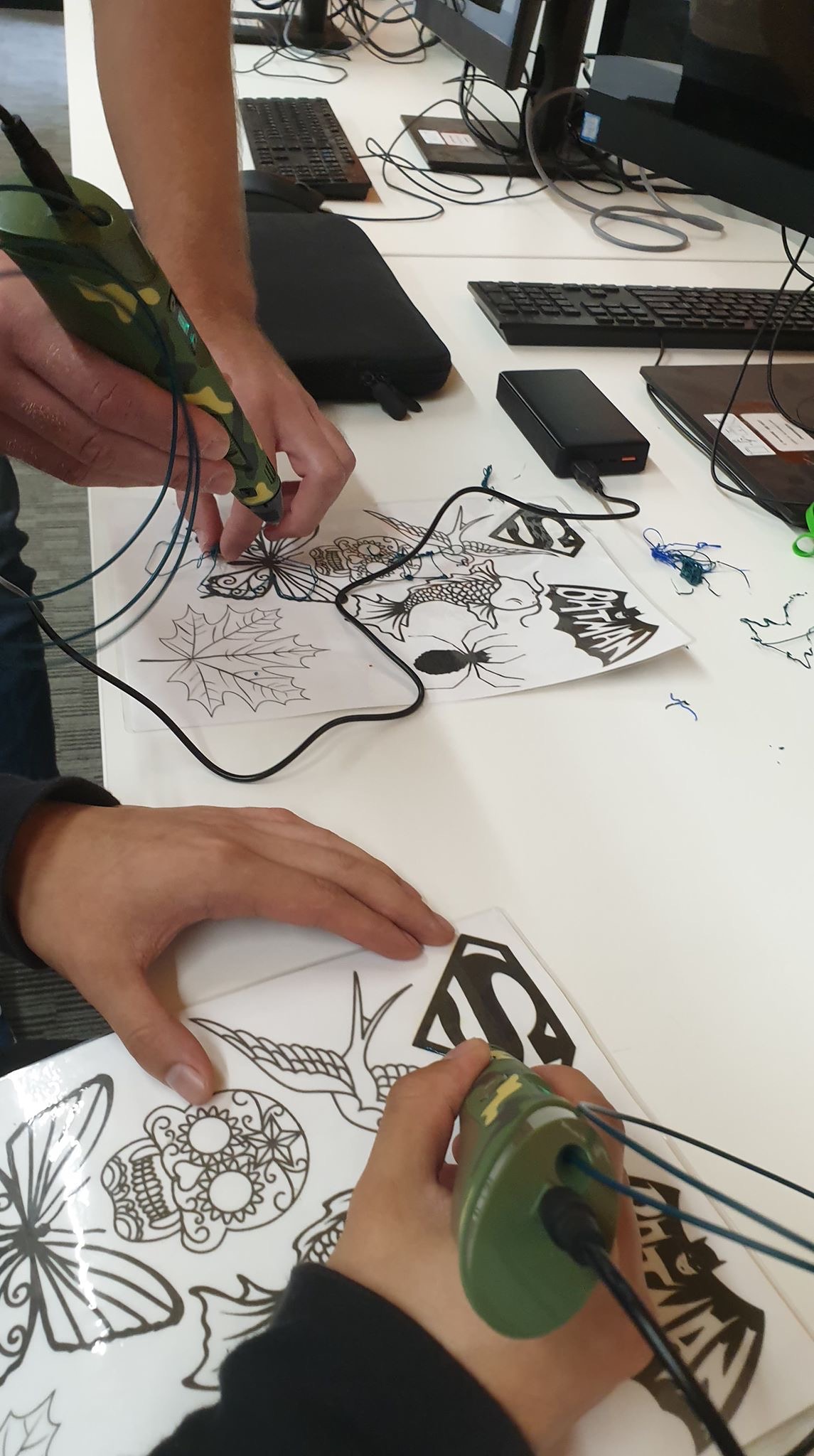
For any individual, the most imperative skill to adequately develop as a child is creative thinking (Wheeler et al., 2002). Therefore, it is important for teachers to encourage and nurture creativity in the classroom. An increasingly popular way to foster creativity at school, is through providing learning experiences with emerging technologies (Dousay & Weible, 2019). An example of one of these technologies is the ‘3D Pen’ (3Doodler Pen) .

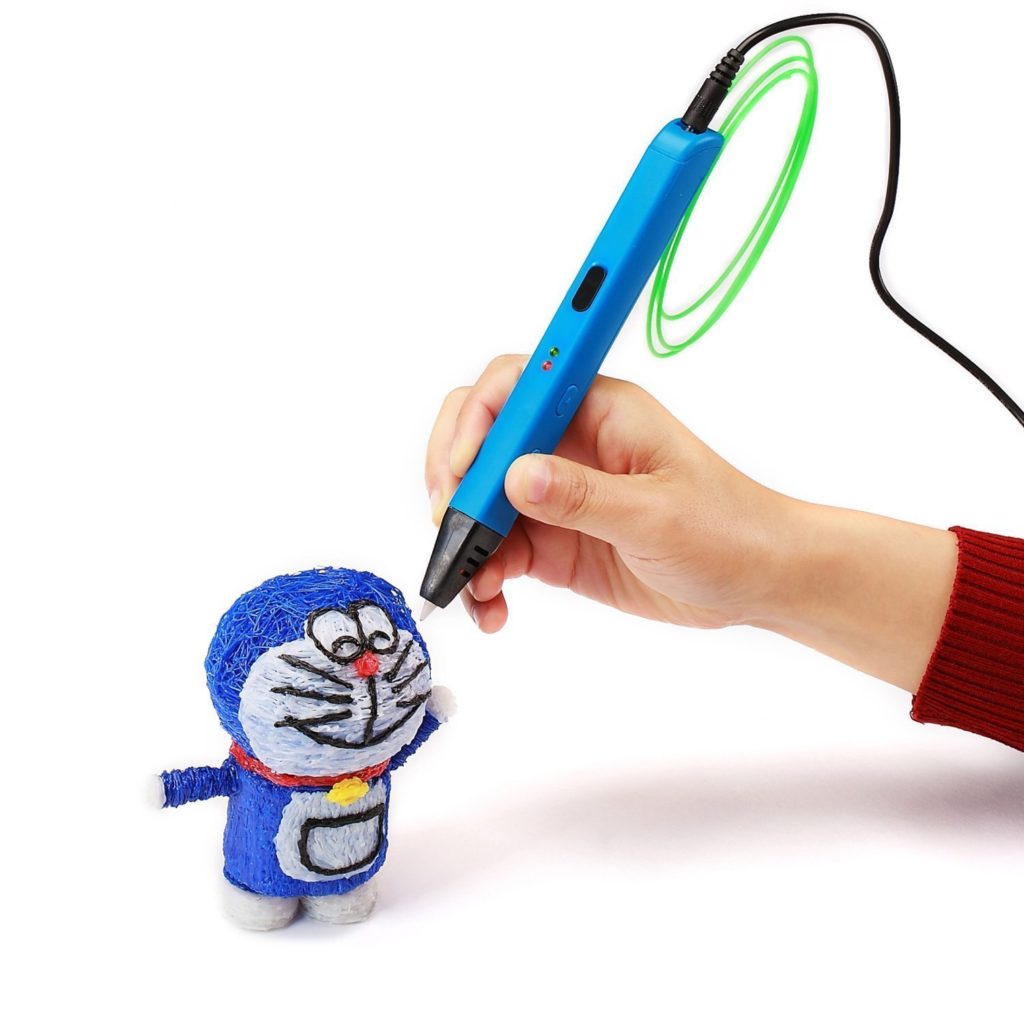
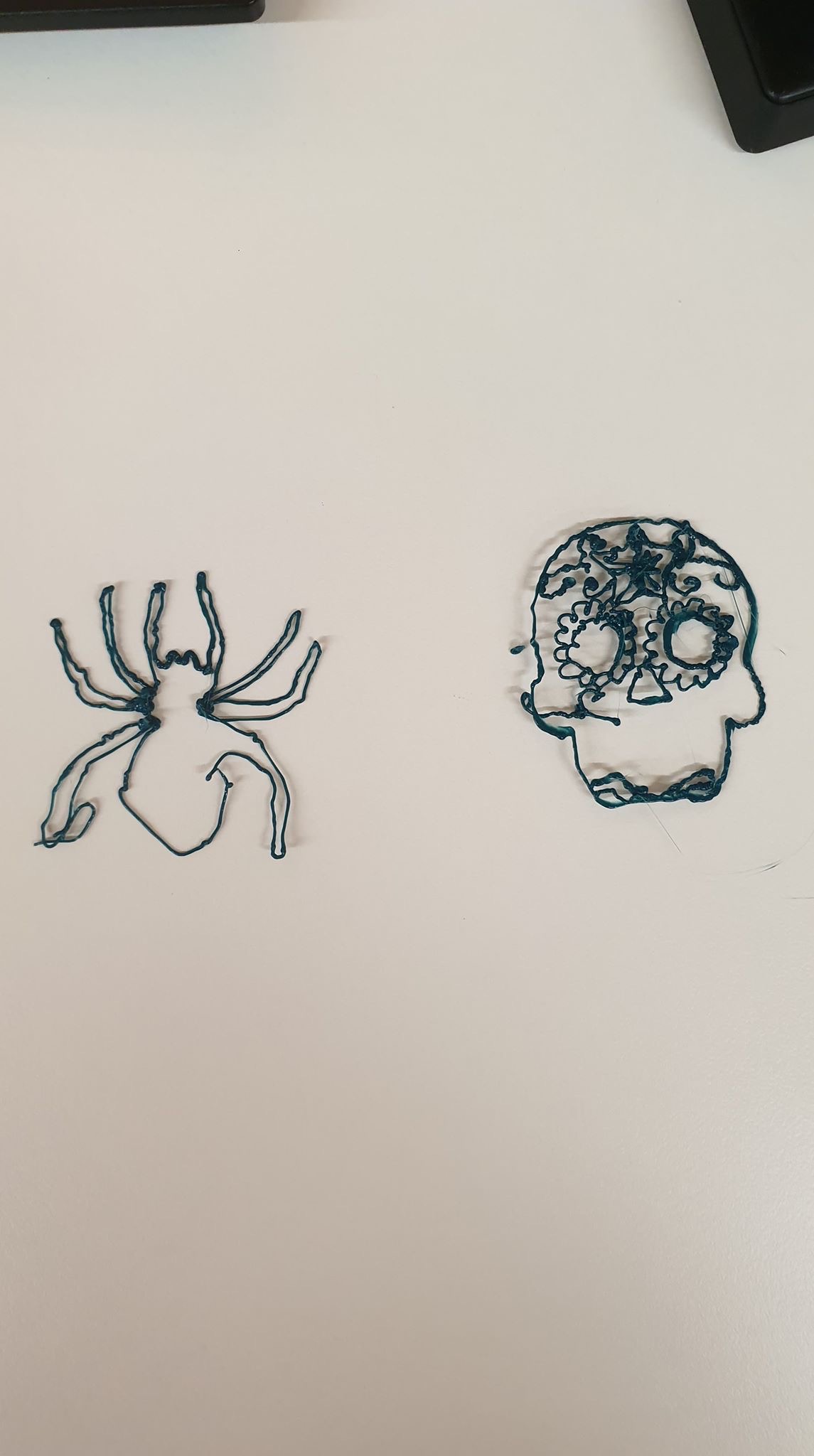
What is it? The 3D Pen creates instant, free-hand three demential creations. Achieved through producing heated, coloured plastic which cools almost immediately, resulting in a solid structure.

Advantages and Disadvantages. The 3Doodler Pen is an amazing concept which allows students to have endless creation possibilities. It is limited in the sense that it always requires power, meaning space may be an issue when using this in the classroom. Also the tip of the pen can get quite hot, introducing a safety issue and potentially meaning only students in older years could have access to it. However, this tool is extremely effective as it allows content that is often two dimensional to be explored at student’s fingertips. This hands-on experience encourages a better response from students, academically and in terms of creative thought (de Souza Flieth, 2000).

3D Pen and Creativity. In terms of creativity in the classroom, there are two approaches: teaching creatively and teaching for creativity (Dousay & Weible, 2019). Teaching creatively focuses on making learning interesting through applying various imaginative approaches (NACCCE, 1999). Teaching for creativity aims to develop student’s creativity through providing activities that encourage to creative thinking (Dousay & Weible, 2019). The 3D pen allows for both of these approaches to be implicated in the classroom. This tool can also be recognised to inspire divergent thought, as it requires aspects of problem solving to be implemented when constructing various objects (Wheeler et al., 2002). 

Classroom Implications. The 3D pen isn’t limited and can be used across various subject areas. It is not only effective for art-based experiences, this tool can successfully be used in other KLA’s, to encourage learning in a fun and engaging manner. For instance, in mathematics the 3D pen could be implemented in a lesson surrounds 3D objects. Science – constructing DNA models. History – creating miniature historical architecture. The possibilities are endless but no matter the subject area, this tool will bring engagement and foster creativity from all students (Dousay & Weible, 2019).

Reference List

de Souza Fleith, D. (2000). Teacher and student perceptions of creativity in the classroom environment. Roeper Review, 22(3), 148–153.https://doi.org/10.1080/02783190009554022.

Dousay, T., & Weible, J. (2019). Build-A-Bug Workshop: Designing a Learning Experience with Emerging Technology to Foster Creativity. Techtrends63(1), 41-52. https://doi.org/10.1007/s11528-018-0364-8

National Advisory Committee on Creative and Cultural Education (NACCCE) (1999). All our futures: Creativity, culture and education. Sudbury, Suffolk. Retrieved from http://sirkenrobinson. com/pdf/allourfutures.pdf.

Wheeler, S., Waite, S., & Bromfield, C. (2002). Promoting creative thinking through the use of ICT. Journal Of Computer Assisted Learning18(3), 367-378. https://doi.org/10.1046/j.0266-4909.2002.00247.x

Design a site like this with WordPress.com
Get started