
Micro:Bit
Computational thinking refers to the problem solving process involved in transfering a design into a computer. Wing (2006), refers to it as the ability to design and problem solve which then enables an understaning of human behaviour and design systems through computer schience techniques. In the 21st century, computational thinking is recognised as a fundamental skill to posses. It is therefore being noticed as having a growing importance to be included in the school curriclum (Bower et al., 2017).
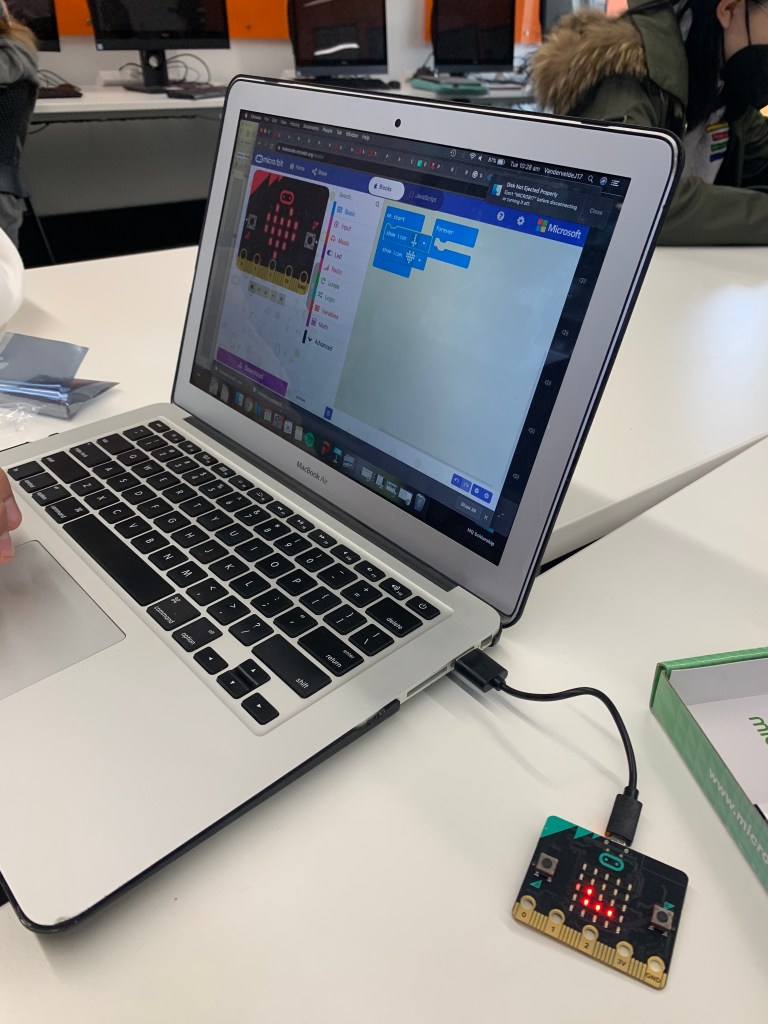
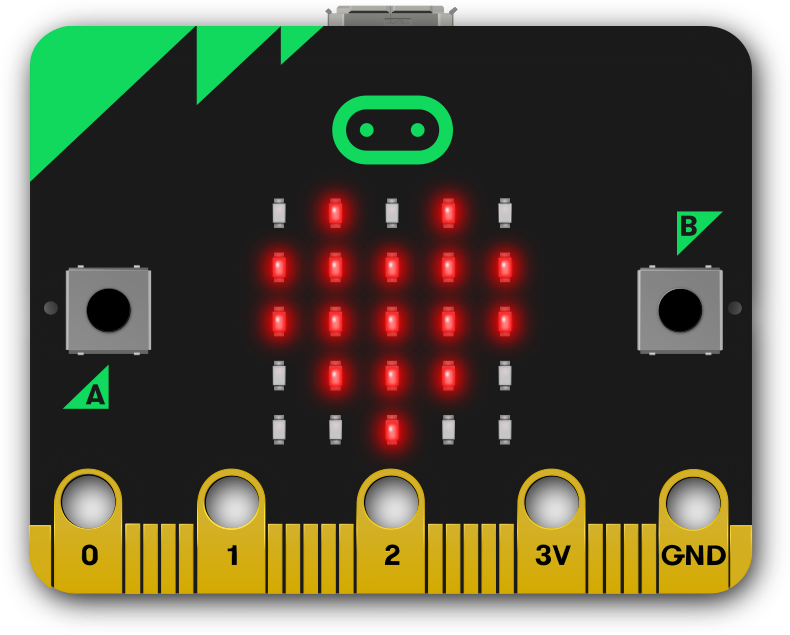
What is it? Micro:Bit is an introductory program to coding, referred to as a “pocket-sized computer” (BBC, 2020). It was developed to extend student learning of programming and computational thinking in schools (BBC, 2020). Through the application of coding, the microbit website allows you to create a variety of displays which can then be downloaded to the Micro:Bit. In comparison to the website Blockly, another coding program, the Micro:Bit is far more rewarding and engaging. It is futher advanced and also a tangible object for students to view their designs on.
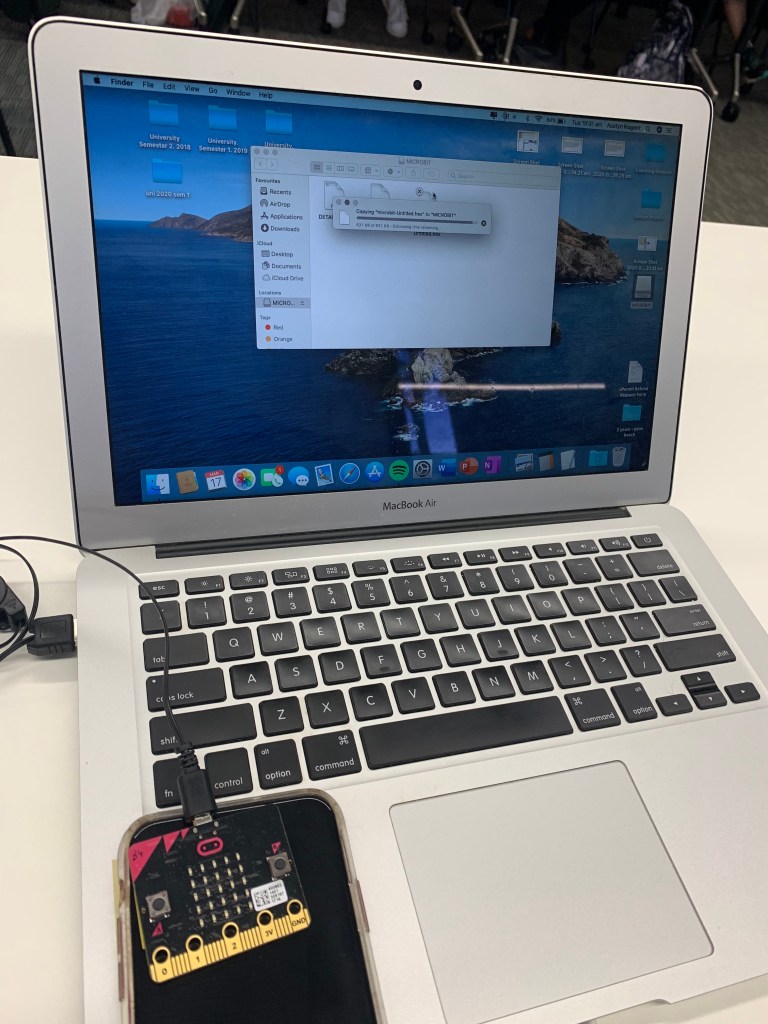
Advantages and Disadvantages. The Micro:Bit website has a simple layout which allows for creating and understanding coding to be an easy process. The website has a variety of options and tools, including a beginner option using block coding (Scratch) and anexperienced options which involves text based coding (Python, Microsoft MakeCode). The Micro:Bit is also afforable in price, so overall a great technology, however it is limited in the sense that it is slightly more targeted for older children. Even using the beginner mode, younger students would not be able to fully explore the programs full potential.
Micro:Bit and Computational Thinking. The Micro:Bit closely interlinks with Computational Thinking. As computational thinking aims to encourage the development of strategies, critical problem solving skills, the micro:bit is a resource that can foster these aspects. This tool allows students to create limitless designs with endless possiblities, this closely complements the elements of computational thinking, which is only limitied by human imagination (Wing, 2006).
Classroom Implications. In using the micro:bit in the classroom to foster computational thinking skills, there are many approaches or lesson plans to implement. It is an engaging, hands on experience that can be used develop students coding skills in technology and computer sciences or even in mathematics to explore problem solving and chance with making a dice design on the micro:bit.
Reference List:
BBC. (2020). Retrieved 5 April 2020, from https://microbit.org/get-started/home-learning/
Wing, J. M. (2006). Computational thinking. Communications of the ACM, 49(3), 33-35.
 EDUC3620 Digital Creativity and Learning
Hi Neesha,
I enjoy reading your post talking about computational thinking in education. I like the way you made the words bold in each of the paragraphs to make it really clear to the readers. After reading your blog, I can see that the Micro:Bit is a great tool to encourage students to develop their computational thinking. Also, you talked about the advantages and disadvantages and the classroom implication which gives more aspects. However, it will be better if you talk a bit more about the Blockly, so that the readers will have a better understanding about why the Micro:Bit is much better than Blockly.
Overall, it is a good post!
LikeLike
Hi Neesha,
I enjoyed your blog post on computational thinking. I also agree that Microbit is a useful tool that offers students to be creative. I agree with the advantages and disadvantages mentioned and believe that this tool allows students to code.
The layout of your Blogs are easy to follow and the bold headings allow for an enjoyable experience.
Thank you
LikeLike